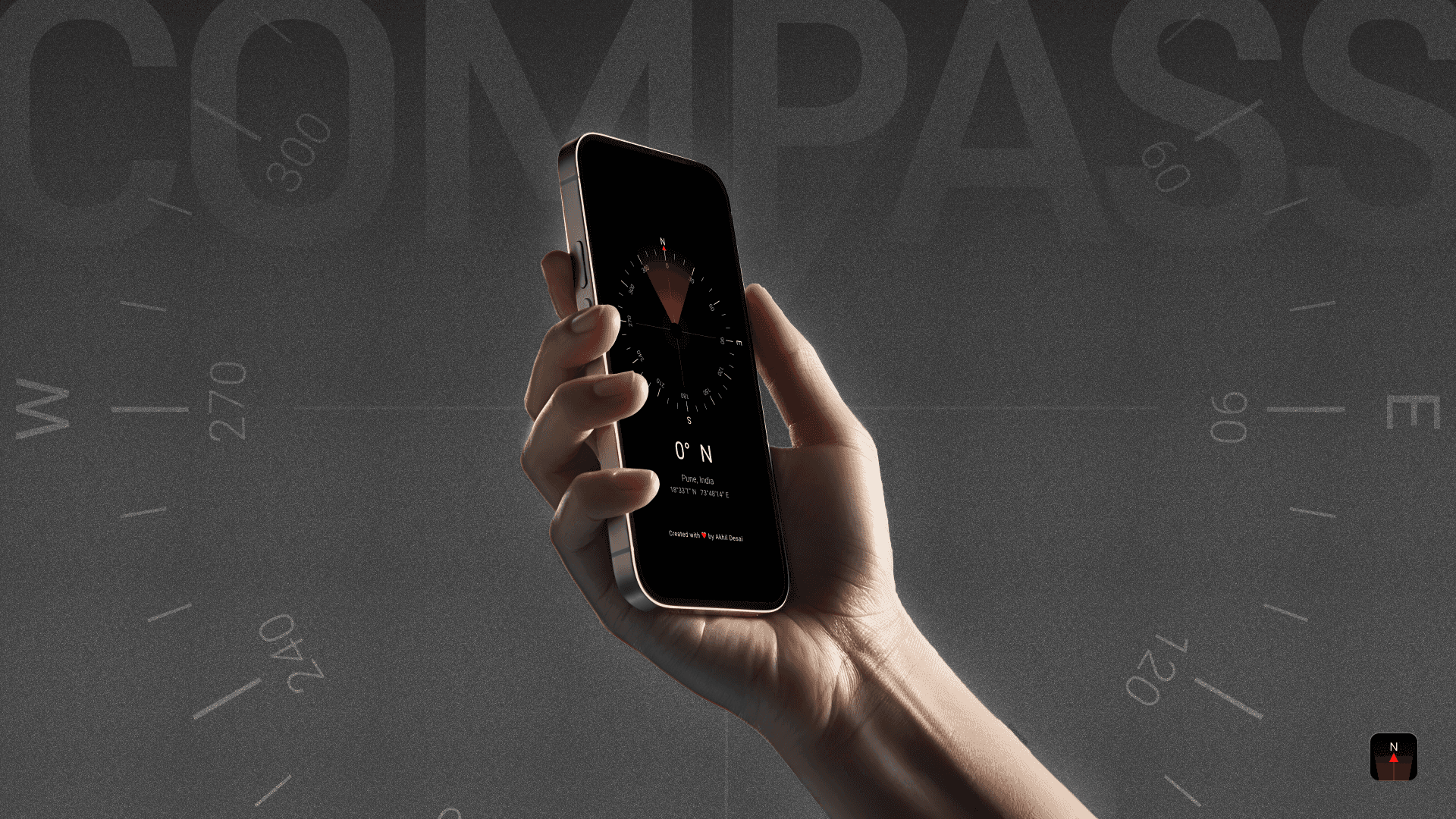
Compass is a self-initiated Android app built as a micro-utility: a single-purpose tool designed to do one thing well.
In contrast to feature-heavy navigation apps, this project focused on clarity over complexity. The goal was to design a compass that felt stable in motion, readable at a glance, and dependable in real-world conditions—without ads, tracking, or unnecessary configuration.
Designed and built in a series of focused evenings, the project explored how restraint itself can be a design decision, especially in tools meant to be used outdoors, offline, or under less-than-ideal conditions.
What I Focused On
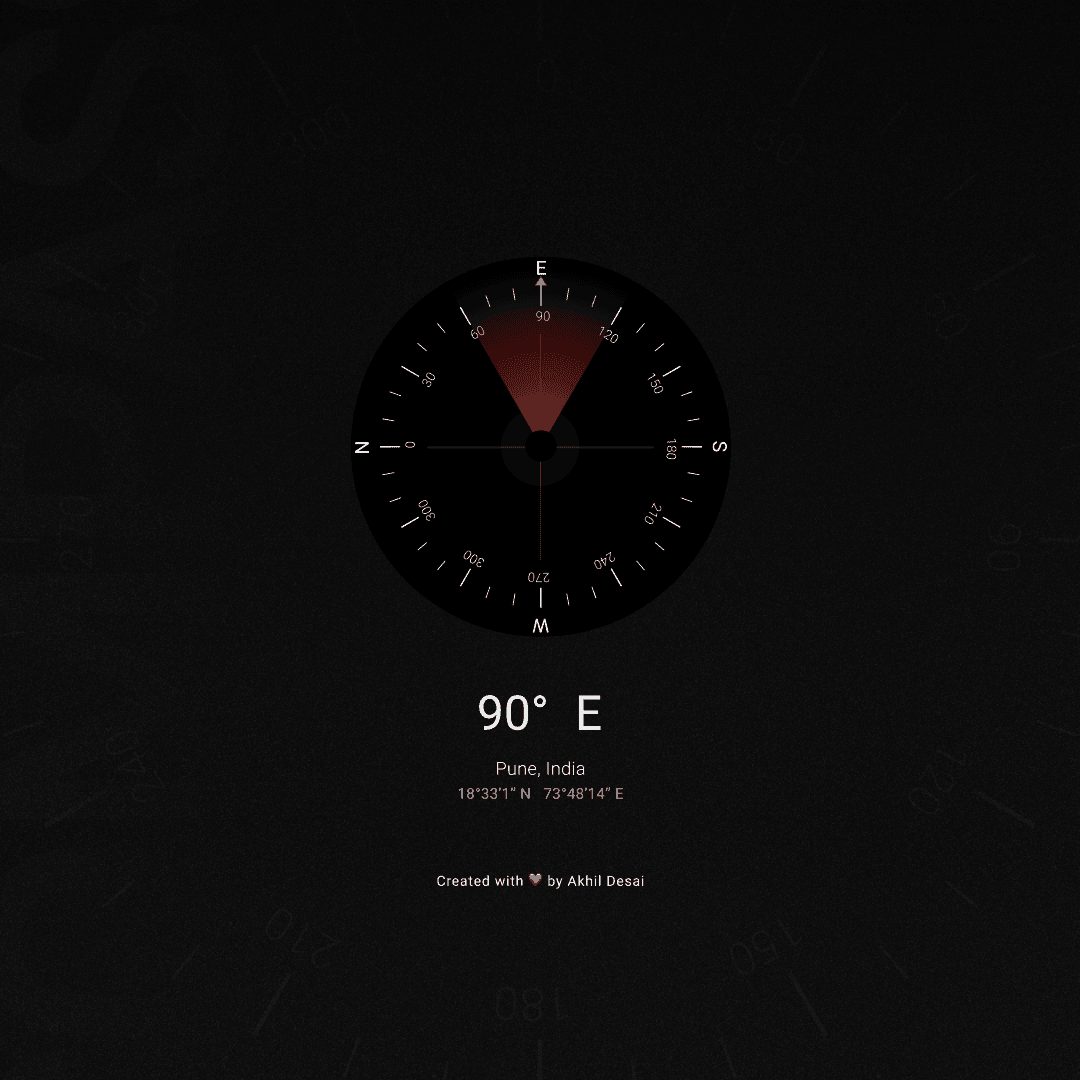
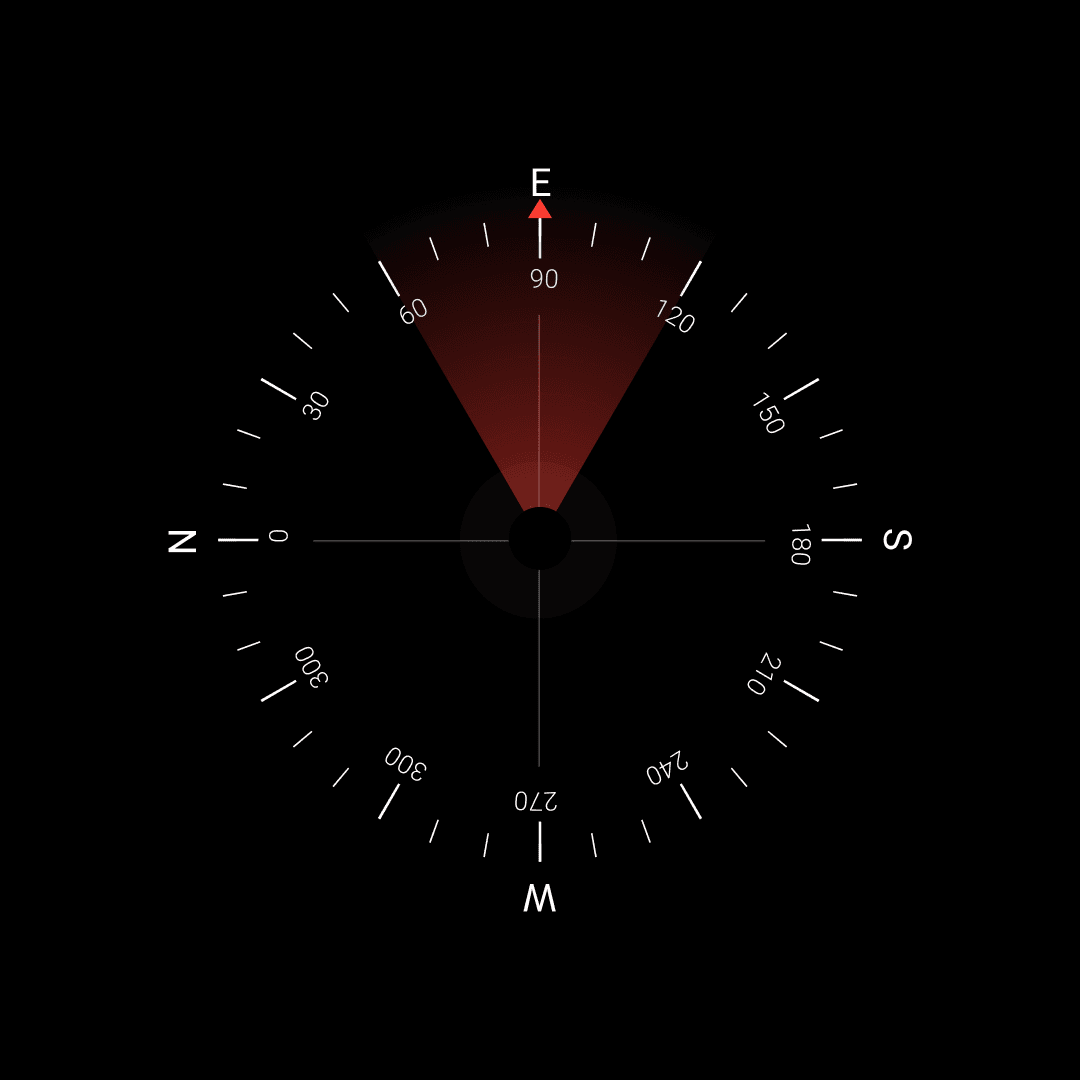
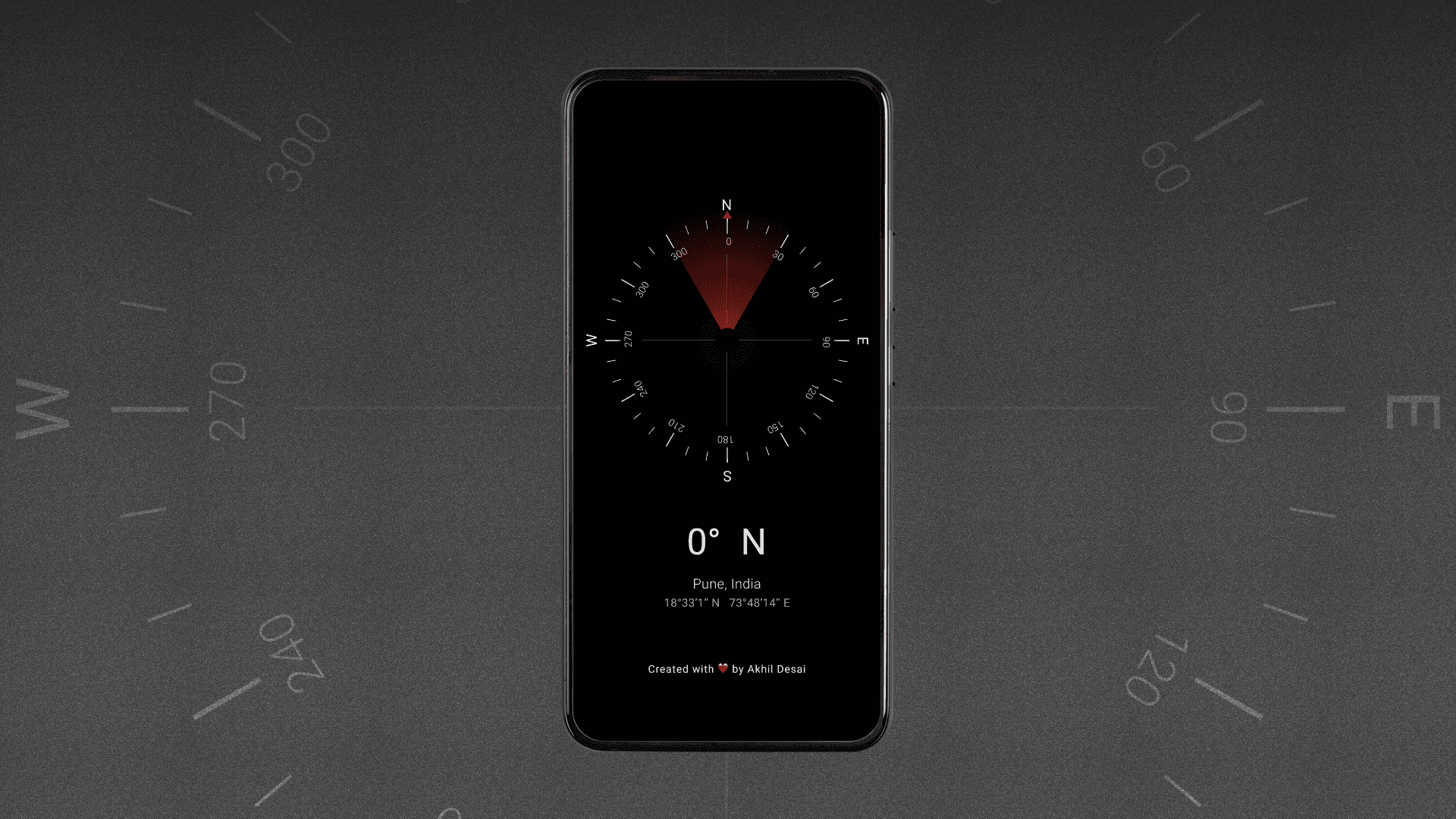
Designing a calm, legible interface for directional clarity
Building live heading detection using device sensors
Using haptic feedback as an ambient orientation cue
Including useful context (place + DMS coordinates) without UI clutter
Keeping the app lightweight, offline-capable, and privacy-respecting
Outcome
Fully functional native Android app built in Flutter
APK size under 4MB with minimal dependencies
Negligible battery usage and offline operation post-install
Field-tested during walking, cycling, and outdoor use
The result is a small but complete tool—one that prioritizes usefulness over visibility and continues to be part of my everyday carry.
Key Takeaway
Minimal design isn’t about removing effort—it’s about placing effort where it matters. When a tool is clear, stable, and predictable, it earns trust through use, not attention.
Note on Scope
Compass is a personal project and is not affiliated with my current employer. All design and implementation decisions were made independently.